


Blog
How to Choose a Kiosk Printer for Parking Systems: A Practical Guide for System Integrators

Introduction
Selecting a kiosk printer for a parking system is often more complex than comparing print speeds or paper widths.
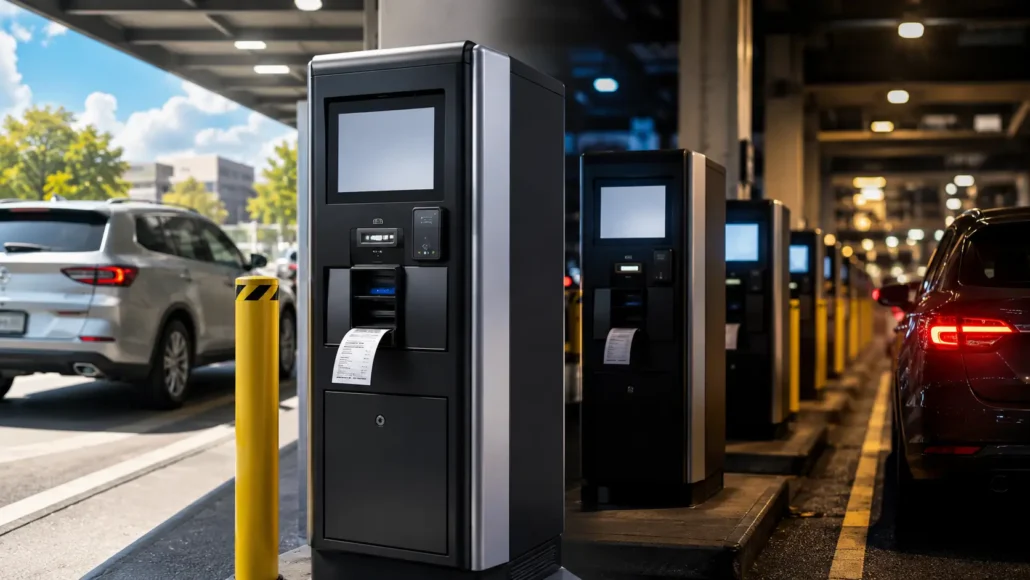
Parking terminals operate in demanding environments. Many systems run continuously, experience high transaction volumes, and may be located in outdoor or semi-outdoor locations where maintenance access is limited.
As a result, experienced parking system integrators typically evaluate a range of operational factors that influence long-term reliability and operating costs.
This guide explains the key considerations when selecting a kiosk printer for parking payment terminals, entry stations, exit stations, and automated
parking kiosks.
Quick Answer
To choose a kiosk printer for parking systems, integrators should evaluate paper roll capacity, presenter or auto cutter design, ticket retract function, maintenance access, Linux or Windows support, SDK availability, communication interface, environmental exposure, and long-term uptime requirements.
For unattended parking terminals, the best printer is not always the fastest model. It is the printer that can support continuous operation, reduce paper replacement frequency, handle real user behavior, and remain easy to maintain across parking entry stations, exit terminals, and payment kiosks.
Key Takeaways
- Paper roll capacity often has a greater impact on operating costs than small differences in print speed.
- Maintenance accessibility directly influences long-term service efficiency.
- Presenter functionality can improve unattended ticket handling reliability.
- Parking operators typically evaluate uptime rather than benchmark performance specifications.
- Real deployment conditions often influence printer selection more than laboratory testing results.
Why Parking Systems Have Different Requirements
Parking applications differ from many other self-service deployments.
Unlike queue management systems or visitor registration terminals, parking equipment often operates:
- 24 hours a day
- Across weekends and holidays
- In semi-outdoor environments
- With limited on-site technical support
A printer that performs well in a controlled laboratory environment may face very different conditions after deployment.
For this reason, parking operators often prioritize long-term operational stability over specification comparisons.
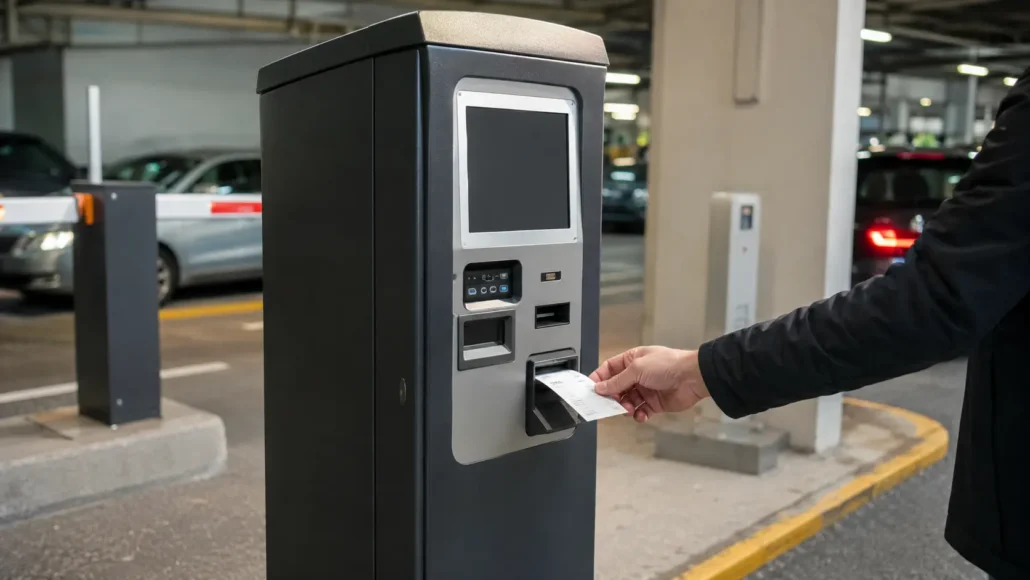
Paper Roll Capacity Usually Becomes Important First
One of the most common lessons parking operators learn is that paper replacement frequency directly affects operational costs.
Every paper refill requires:
- Service personnel
- Site access
- Maintenance scheduling
- Potential downtime
In larger parking deployments, these routine activities become significant operating expenses.
Many experienced integrators therefore evaluate paper roll capacity before comparing print speeds.
A larger roll diameter can reduce service visits and extend unattended operation.
A Simple Deployment Example
Consider a parking operator managing 300 payment kiosks across multiple locations.
If a larger paper roll reduces paper replacement by just one maintenance visit per kiosk each month, the operation may avoid more than 3,000 service visits per year.
For this reason, experienced parking operators often evaluate paper capacity as an operational efficiency factor rather than simply a printer specification.
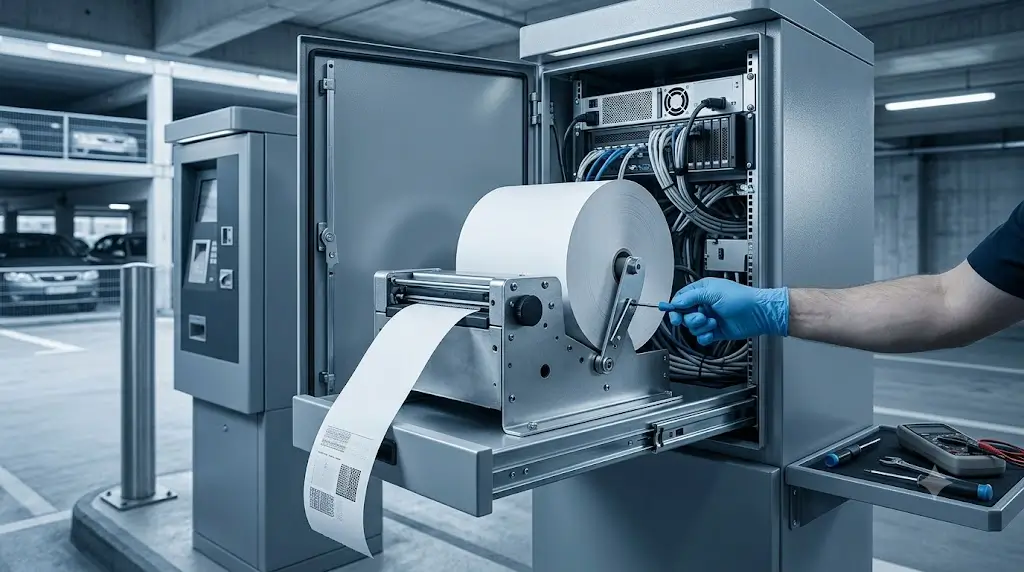
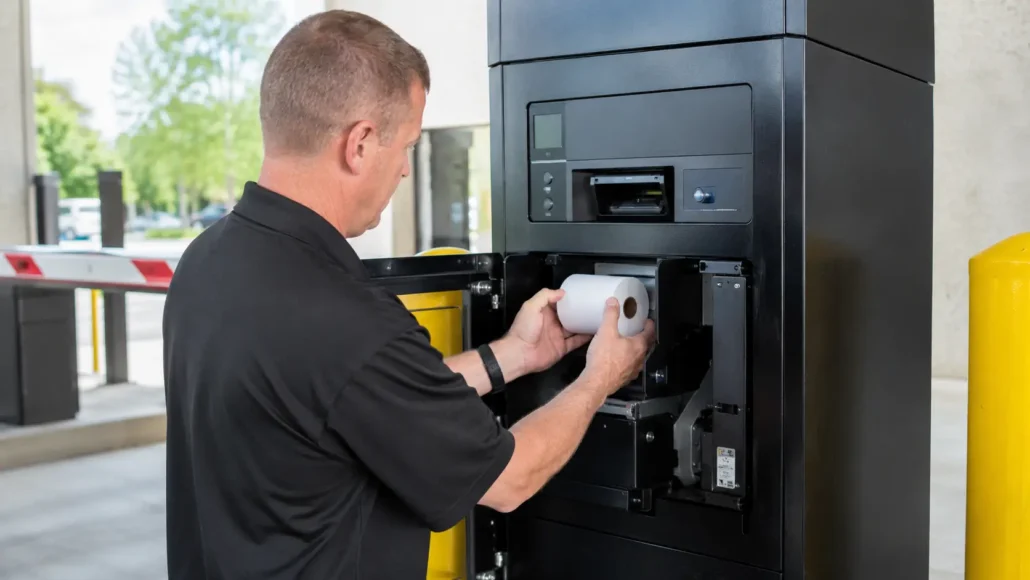
Maintenance Accessibility Often Matters More Than Print Speed
When evaluating a printer, print speed is easy to compare.
Maintenance accessibility is often overlooked.
However, parking deployments may require years of continuous operation.
Experienced operators frequently ask:
- How quickly can paper be replaced?
- How easy is it to access the printer?
- How long does routine maintenance take?
- Can service be performed without removing other kiosk components?
The answers to these questions often have a greater impact on operating efficiency than small differences in print performance.
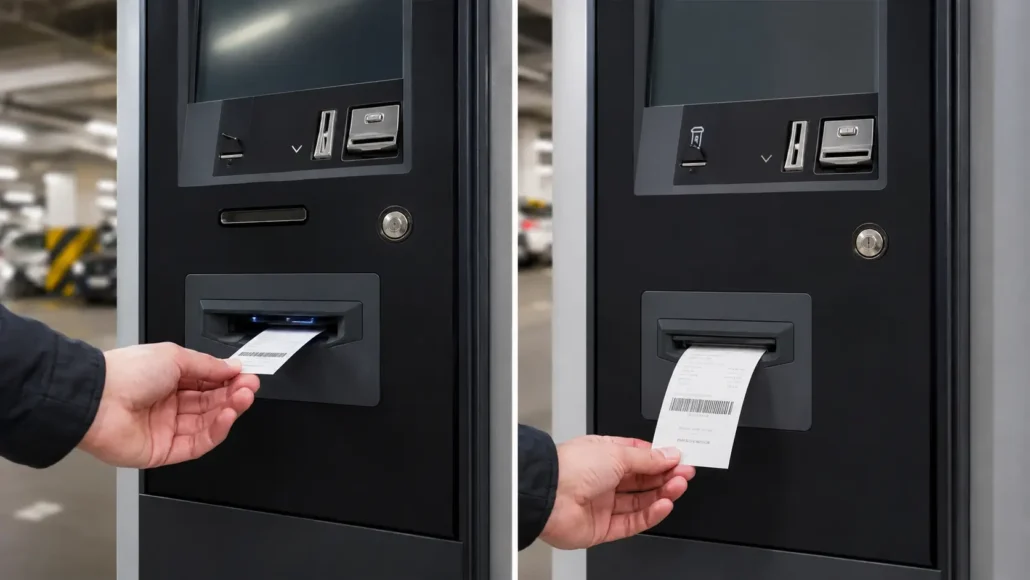
Presenter vs Auto Cutter: Which Is Better for Parking Applications?
Parking projects often require a decision between presenter-based and standard auto-cutter designs.
Presenter Printers
Advantages:
- Controlled ticket delivery
- Reduced user interference
- Improved unattended operation
- Optional ticket retract functionality
Commonly used for:
- Parking entry terminals
- Parking exit stations
- High-security ticket issuance systems
Auto Cutter Printers
Advantages:
- Simpler architecture
- Lower initial cost
- Suitable for basic receipt printing
Commonly used for:
- Payment kiosks
- Lower-volume deployments
The appropriate choice depends on the operational requirements of the project.
Reliability Depends on More Than the Printer
Many parking projects initially focus on printer specifications.
Experienced deployment teams evaluate the entire operating environment.
Factors that influence long-term reliability include:
- Paper quality
- Environmental exposure
- Maintenance schedules
- Transaction volume
- User behavior
- Consumable management
Successful deployments typically result from balancing hardware capability with operational realities.
Why Uptime Is the Real Metric
Parking operators are rarely concerned with print speed differences of a few milliseconds.
What they care about is uptime.
Questions commonly asked include:
- Will the kiosk continue operating during weekends?
- How often must paper be replaced?
- Can the printer withstand continuous use?
- How quickly can maintenance be performed?
For most parking deployments, uptime becomes the most important performance metric.
What Parking Operators Often Discover After Deployment
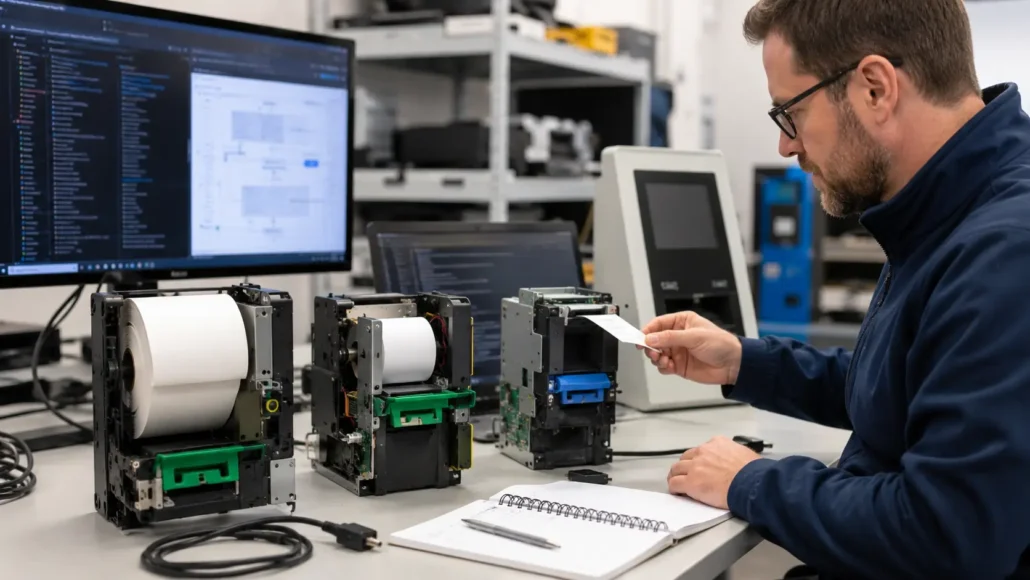
Many parking projects begin with detailed comparisons of print speed, paper width, and communication interfaces.
However, after several months of operation, maintenance teams often focus on very different concerns.
Common operational questions include:
- How often must paper be replaced?
- How quickly can service personnel complete routine maintenance?
- What happens when a ticket is not collected?
- Can the system continue operating through weekends and holidays without intervention?
These practical considerations frequently have a greater impact on operational performance than benchmark specifications.
This is why experienced parking operators often evaluate maintenance efficiency and uptime before comparing printer performance figures.
Recommended Kiosk Printers for Parking Systems
SNR-KP802-VX
Recommended for:
- Parking entry stations
- Parking exit terminals
- High-volume parking deployments
Advantages:
- Large 160mm paper roll capacity
- Presenter functionality
- Ticket retract capability
- Linux support
- Designed for unattended operation
SNR-KP800-VX
Recommended for:
- Parking payment kiosks
- General parking ticketing systems
Advantages:
- Reliable operation
- Flexible integration
- Easy maintenance access
- Linux support
SNR-KP602-VX
Recommended for:
- Compact parking systems
- Ticket issuance applications
Advantages:
- Presenter functionality
- Compact design
- Anti-jam features
What Experienced Parking Integrators Usually Evaluate
Before selecting a kiosk printer, experienced teams often review:
- Paper roll capacity
- Maintenance accessibility
- Presenter functionality
- Ticket retract capability
- Linux compatibility
- SDK support
- Deployment environment
- Long-term service requirements
These factors frequently determine deployment success more than technical specifications alone.
Parking Kiosk Printer Selection Checklist
| Selection Factor | What to Evaluate | Why It Matters in Parking Systems |
| Paper roll capacity | Roll diameter, ticket length, expected transaction volume | Reduces paper replacement frequency and service visits |
| Presenter functionality | Controlled ticket output, user pickup behavior, ticket holding | Improves unattended ticket delivery and reduces user interference |
| Ticket retract capability | Uncollected ticket recovery and timeout handling | Helps manage abandoned tickets in unattended terminals |
| Maintenance access | Paper loading direction, printer access, service clearance | Reduces field service time and parking terminal downtime |
| Interface support | USB, RS232, Ethernet, Virtual COM | Must match the parking controller and payment system architecture |
| Linux or Windows compatibility | Driver, SDK, sample code, operating system support | Supports stable integration with the parking software platform |
| Status feedback | Paper near-end, paper out, jam, cutter error, printer online status | Enables remote monitoring and faster troubleshooting |
| Environmental tolerance | Temperature, humidity, dust, semi-outdoor installation conditions | Parking systems often operate in harsher environments |
| Long-term support | Spare parts, documentation, firmware, engineering support | Parking deployments may run continuously for years |
 Common Parking Printer Selection Mistakes
 Common Parking Printer Selection Mistakes
When selecting a kiosk printer for parking systems, project teams sometimes:
- Focus primarily on print speed while overlooking maintenance requirements.
- Underestimate the operational impact of paper replacement frequency.
- Select receipt-oriented printers for unattended ticket issuance applications.
- Ignore presenter functionality when customer interaction is critical.
- Evaluate hardware only in laboratory environments without considering real deployment conditions.
Avoiding these mistakes can significantly improve long-term uptime and reduce maintenance costs.
Conclusion
Choosing a kiosk printer for a parking system involves more than selecting a device that can print tickets.
Paper capacity, maintenance efficiency, uptime, presenter functionality, and long-term serviceability all influence operational performance.
Experienced parking system integrators therefore evaluate how a printer will perform throughout years of unattended operation rather than focusing only on laboratory specifications.
The most successful parking deployments are typically built around printers that reduce maintenance effort, support continuous operation, and fit the overall system architecture.
Frequently Asked Questions
What type of kiosk printer is best for parking systems?
For many unattended parking systems, a kiosk printer with large paper roll capacity, reliable paper handling, status feedback, and easy maintenance access is preferred. Presenter functionality and ticket retract capability are useful when the system must control ticket delivery or handle uncollected tickets.
Why does paper roll capacity matter in parking kiosks?
Paper roll capacity affects how often service teams must visit each kiosk for paper replacement. In multi-site parking deployments, even small reductions in refill frequency can significantly reduce maintenance workload and operating cost.
Should parking kiosks use presenter printers or auto cutter printers?
Presenter printers are often better for unattended ticket delivery, ticket holding, and retract workflows. Auto cutter printers may be suitable for simpler payment kiosks or lower-volume applications where receipt collection is less critical.
What should integrators test before approving a parking kiosk printer?
Integrators should test repeated ticket printing, paper near-end and paper-out status, cutter or presenter operation, ticket pickup behavior, retract workflow, jam recovery, operating system compatibility, communication stability, and maintenance access inside the final parking terminal.
Is Linux support important for parking kiosk printers?
Linux support is important when the parking controller or software platform uses Linux. Integrators should confirm driver availability, SDK support, command documentation, and status feedback before deployment.
Planning a Parking Kiosk Printer Project?
If you are selecting a kiosk printer for a parking payment terminal, entry station, exit terminal, or automated ticketing system, SNRO can help review your printer configuration before sample testing.
Send us your ticket size, paper width, expected transaction volume, operating system, interface requirement, presenter or retract requirement, and parking kiosk layout. Our team can recommend a suitable kiosk printer model for your parking system project.
Related Resources
- How to Choose a Kiosk Printer in 2026
- Kiosk Printer Hub
- Kiosk Printer Buying Guide
- Ticket-taken sensor kiosk printer
- Why Paper Roll Capacity Matters More Than Many Teams Expect
- Presenter Printer vs Auto Cutter Printer
- Kiosk Printer Catagory
- Linux Kiosk Printer Integration Guide
- Kiosk Printer SDK Guide
- Why Kiosk Printers Jam in Real Self-Service Deployments
- Why Maintenance Accessibility Matters in Self-Service Kiosk Design